
This guide covers the best virtual assistant tools in 2026 and explains which tools actually help virtual assistants increase their income.use they lack talent.
They’re underpaid because they’re using tools that only support low-value admin work.
If you want to charge premium retainers, you need tools that help you deliver things businesses actually pay for:
- faster lead follow-up
- appointment bookings
- CRM pipeline management
- automation systems
- client onboarding workflows
This post shows the best virtual assistant tools for earning more, and the one platform that replaces most of them.
Includes pricing tiers, package examples, and scripts to pitch automation services.
Best Virtual Assistant Tools for Higher-Paying Clients
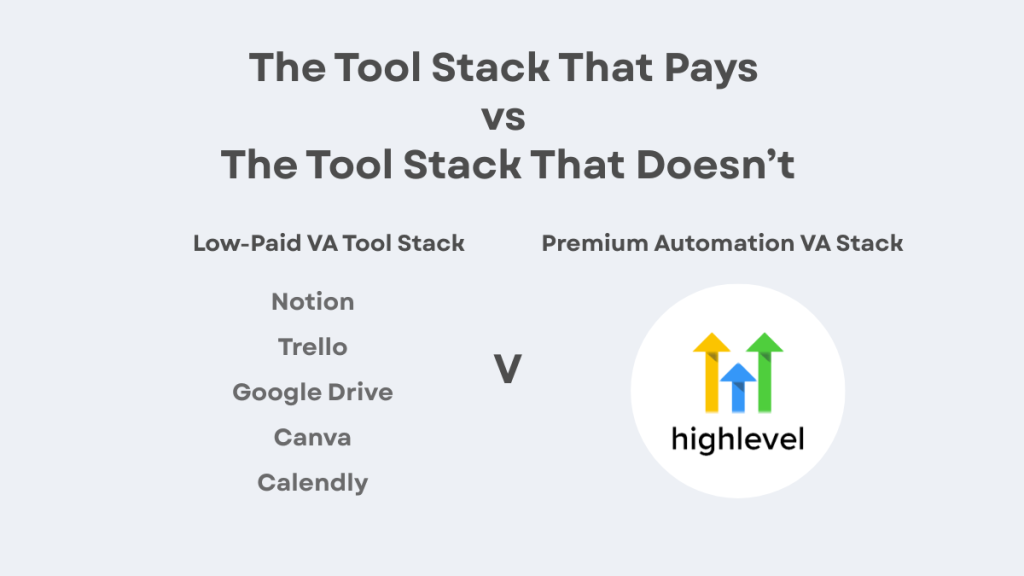
The tools most VAs use (and why they don’t increase income)
Most VAs build their “tool stack” around staying organised:
- Notion
- Trello
- Google Drive
- Canva
- Calendly
These are useful.
But clients don’t pay extra for organisation.
They pay for outcomes.
The tools that actually increase VA income (ranked)
If you want higher-paying clients, focus on tools that connect directly to revenue and systems.
The highest paying VA tool categories are
- CRM tools
- Automation tools
- Email + SMS follow-up tools
- Booking + reminder tools
- Funnel/landing page tools
If you can manage these, you’re no longer competing with basic admin VAs.
You’re offering systems.
Many automation skills rely on the automation tools for virtual assistants covered in this guide.
The “messy stack” that traps most VAs
Most VAs end up with something like this
Typical VA stack (too many tools)
- Calendly (booking)
- Mailchimp (email)
- Zapier (automation)
- HubSpot (CRM)
- Google Sheets (tracking)
- WhatsApp (messages)
This stack works…
…but it makes you look like a “task VA”.
It’s also fragile. If one integration breaks, everything breaks.
Premium clients hate that.
Premium Automation VA stack (simple)
- GoHighLevel
That’s it.
Because it combines:
- CRM
- pipelines
- workflows
- SMS + email
- booking calendars
- forms
- follow-up tracking
This is why GoHighLevel is becoming one of the highest-paying skills a VA can learn.
If you want to specialise, these high paying virtual assistant skills are a good place to start.
What you can build in 30 minutes (and sell for £900+)
This is where it gets real.
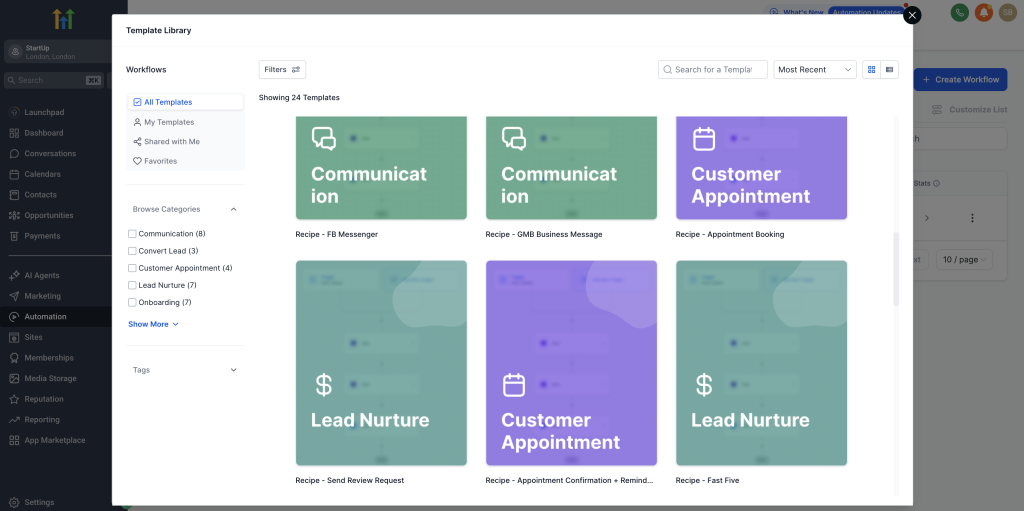
If you can build these 3 automations, you can sell setup packages fast:
1. Missed call text-back automation
2. Instant lead follow-up SMS + email
3. Appointment confirmation + reminders
These are simple.
And businesses will pay because they lose leads every day.
Learning better skills makes it easier to set virtual assistant pricing that reflects your real value.
Want to learn the tool premium VAs use?
GoHighLevel lets you build CRM + pipelines + follow-up automations in one dashboard.
Bonus, Download the £15 to £80/hour VA Cheat Sheet free when you start your GoHighLevel trial.
The best virtual assistant tools (quick list)
If you want a clean VA tool stack that supports premium work, here’s what I’d recommend:
For admin support
- Google Workspace
- Trello or ClickUp
For content and design
- Canva
- CapCut (video edits)
For premium automation services
- GoHighLevel (CRM + automation + booking + follow-up)
That’s the stack.
Most VAs don’t need more tools. They need one platform they can sell as a skill.
The best tool is the one you can sell
Here’s the key point most VAs miss
Clients don’t care what tools you use.
They care what the tool does for them.
If you can say:
“I can set up your follow-up so leads don’t go cold.”
You can charge more.
And GoHighLevel is built for exactly that.
Want the package pricing and scripts that make this easy to sell?
FAQ
What are the best tools for virtual assistants?
The best tools depend on your niche, but CRM and automation tools are the highest-paying because they let you deliver systems and lead follow-up.
Do virtual assistants need a CRM?
If you want premium clients, yes. CRM skills separate basic VAs from high-value VAs.
Is GoHighLevel worth it for VAs?
Yes, if you want to sell automation packages. It combines CRM, workflows, pipelines, booking, SMS, and email in one place.
Related Virtual Assistant Guides
High Paying Virtual Assistant Skills
Best Automation Tools for Virtual Assistants
Virtual Assistant Rates UK vs US