
Most virtual assistants don’t have a “skills” problem.
They have a positioning problem.
If your website just says “I offer admin support, inbox management, and scheduling”, you’re competing with thousands of VAs charging £10–£20/hour.
The VAs earning £40–£80/hour aren’t selling websites either.
They focus on high paying virtual assistant skills that businesses actually need.
They’re selling client booking systems.
Choosing the best website builder for virtual assistants depends more on building a client booking system than creating a traditional business website.
The best website builder for virtual assistants should make it easy to capture leads and book calls automatically.
This guide shows the best website builder for virtual assistants in 2026 if your goal is to attract paying clients, not just look professional.
A website builder only matters for VAs because your website isn’t supposed to look pretty.
It’s supposed to turn strangers into enquiries.
Most VA websites are basically digital CVs. About page, services list, contact form, and that’s it.
But business owners don’t hire from “nice websites”.
They hire when they feel like you’ve already built the solution to their problem.
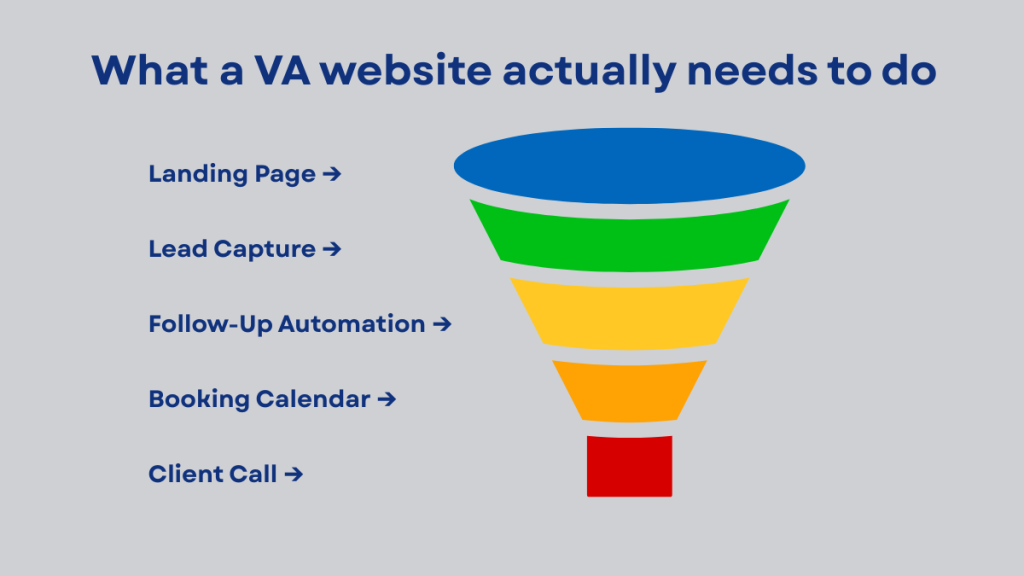
In 2026, that means your website needs to act like a booking system.
A simple landing page, a clear offer, a way to capture leads, and an automated follow-up that moves people toward a call.
That’s what gets clients.
Many VAs build systems like this as part of virtual assistant packages instead of selling hourly work.
The problem with most website builders for VAs
Wix, Squarespace, and even WordPress can make a site look professional.
But the moment you try to turn your site into something that actually books clients, you hit a wall.
You still need a CRM to track enquiries, a calendar to handle bookings, and an email tool to follow up. Then you end up connecting everything with Zapier and hoping it doesn’t break.
It works, but it’s messy.
And it’s hard to confidently sell to clients when you’re relying on five separate tools behind the scenes.
Best website builder for virtual assistants in 2026 (quick comparison)
If you’re a virtual assistant trying to attract higher-paying clients, your website builder should do more than “look nice”.
It needs to help you generate leads, book calls, and automate follow-up. That’s the difference between a £20/hour VA site and a £50/hour VA business system.
Here’s a quick breakdown of what works best in 2026:
GoHighLevel (Best Website Builder for Virtual Assistants Who Want Booking Systems)
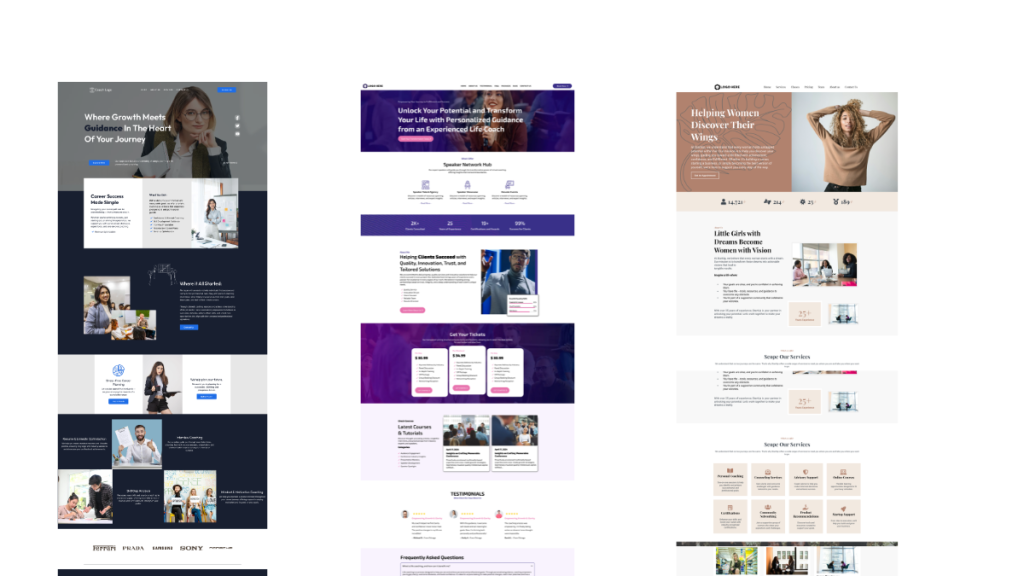
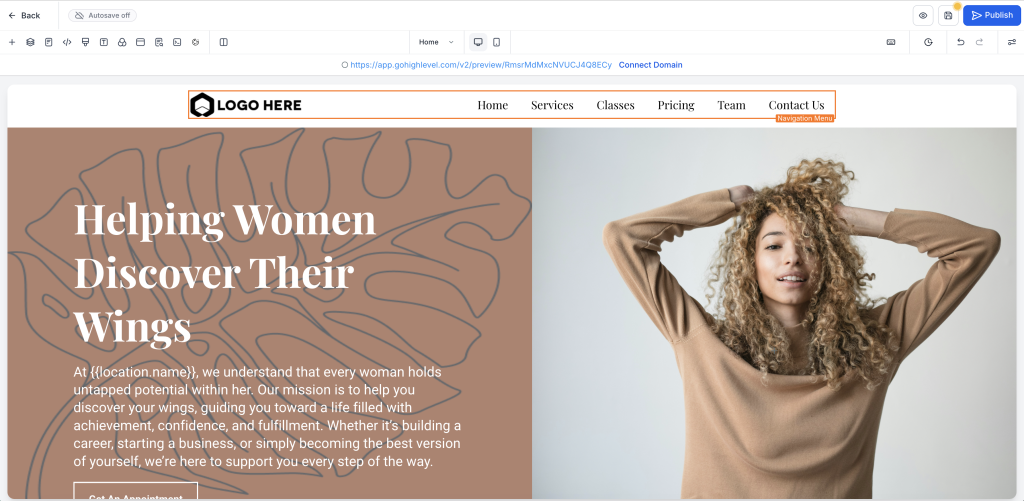
Best if you want your website to function like a full client booking funnel, not just a portfolio. You can build landing pages, booking pages, pipelines, email/SMS follow-up, and even automate onboarding.
This is the best choice if you want to sell packages like “Client Booking System Setup” or “CRM + Funnel Build”.
WordPress + Elementor (Best for control and blogging SEO)
Best if you want full control and plan to grow traffic through SEO long-term. WordPress is flexible and professional, but you’ll still need extra tools for booking and automation.
Great for content-based VA businesses.
Squarespace (Best for simple service websites)
Best if you want something clean and easy with minimal setup. It’s good for showcasing services and branding, but not ideal if your goal is lead automation or funnel-style conversion.
Wix (Best for quick setup, not scalable systems)
Wix is beginner-friendly and fast, but it’s not the best choice if you want your website to grow into a full booking and follow-up system. It works for basic VA sites but can feel limiting once you start scaling.
Webflow (Best design, worst learning curve)
Webflow looks premium, but it’s not the easiest option for most VAs. It’s better suited for designers or people who want full creative control and don’t mind a steeper learning curve.
Quick verdict
If your goal is to attract premium clients and automate your bookings, GoHighLevel is the strongest “website builder” because it’s really a full client acquisition system.
If your goal is long-term SEO traffic, WordPress is still king.
Why This Lets VAs Charge More
This is where the pricing difference happens.
If your offer is “admin support”, clients automatically compare you to every VA on Fiverr charging £10 an hour.
But if your offer is “I’ll build you a system that captures leads, follows up automatically, and books calls for you”, you’re no longer being hired as support.
You’re being hired as a systems partner.
That shift is what moves you into higher-paying work like automation VA support, CRM setup, and client booking systems. And those are the services businesses happily pay retainers for because they directly affect revenue.
Offering systems like this makes it easier to set professional virtual assistant pricing instead of competing on hourly rates.
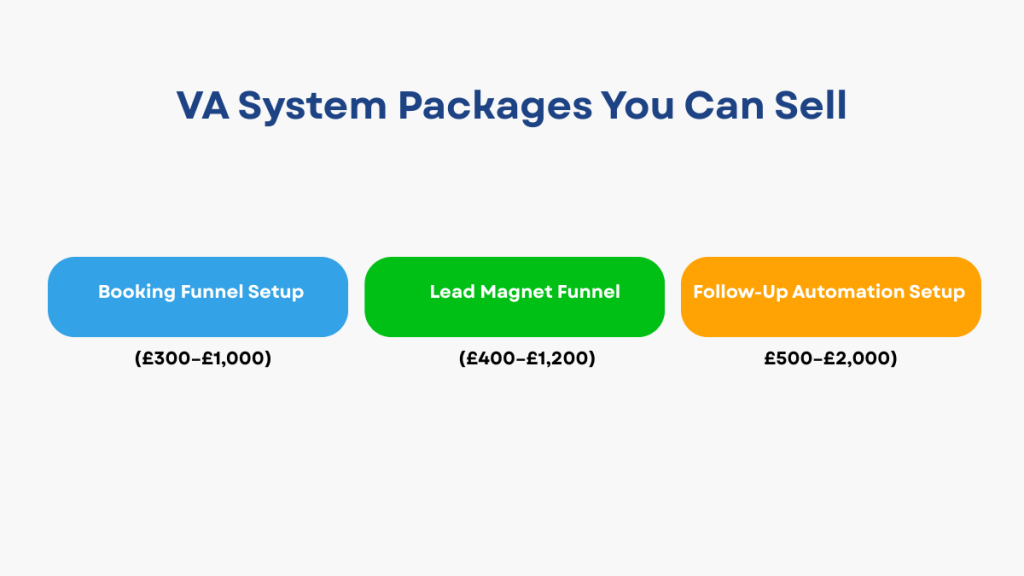
Example VA Offers You Can Sell Using This Setup
This is also why GoHighLevel helps you charge more.
Instead of selling “VA admin support”, you can sell a setup that directly increases bookings.
For example, you could offer a simple client booking funnel. One landing page, one calendar, automated confirmations, and reminder messages. That’s a £300 to £1,000 setup depending on the business.
Or you could build a lead magnet funnel for coaches and consultants. Opt-in page, thank-you page, and an automated follow-up sequence that tags leads properly. That’s easily £400 to £1,200.
The most valuable offer is the follow-up system itself. Missed enquiry automation, booking nudges, pipeline stages, and basic CRM setup. That’s the kind of work businesses happily pay £500 to £2,000+ for because it protects revenue.
That’s the shift.
You stop selling hours, and start selling outcomes.
Many VAs turn systems like this into virtual assistant packages instead of selling individual tasks.
GoHighLevel pricing for VAs (what you actually need)
You do not need the $497 plan as a beginner VA. For most VAs, a simpler setup is enough to get started.
As your services grow, you may also want a proper system for managing leads and follow-up. Many VAs use the best CRM for virtual assistants for this.
The best website builder for virtual assistants is one that connects easily with your CRM and helps you attract clients and automate follow-up.
You can upgrade later if you scale or manage multiple accounts
Start lean. Upgrade when it makes sense.
Download the VA Website & Booking System Checklist (Free PDF)
If you want a step-by-step breakdown of:
- the exact pages to build
- what automations matter
- what to skip
- how to position this as a service
FAQs
Is GoHighLevel too complex for VAs?
Not if you keep it simple. You don’t need advanced automations to start seeing results.
Can I use it just for my own VA website?
Yes. Many VAs start by building their own booking system first.
Do I need to be technical?
No. If you can use form builders and calendars, you can use this.
Can I upgrade later?
Yes. Start on $97. Upgrade only when you actually need to.
Related Virtual Assistant Guides
Best CRM for Virtual Assistants
Best Automation Tools for Virtual Assistants
Virtual Assistant Monthly Retainer Packages