
Affiliate links – I earn a commission if you sign up through this page, at no extra cost to you. That’s exactly why the weaknesses below aren’t softened. If GoHighLevel isn’t right for your business, I’d rather you know before you start a trial
You bought the CRM. You set it up. Leads are coming in. But your conversion rate hasn’t moved. If your CRM not converting leads is starting to feel like money wasted, the problem almost certainly isn’t the leads — it’s how the system is configured behind them.
This is one of the most common issues small business owners hit after investing in CRM software. And it’s fixable — but only once you understand exactly where it’s breaking down.
Key takeaways
- A CRM that isn’t converting leads is almost always a setup problem, not a lead quality problem
- The average B2B conversion rate is just 2–3% — most businesses leave significant revenue on the table through poor CRM configuration (Ruler Analytics, 2025)
- The 5 most common CRM failure points are: no automation, generic follow-up, no pipeline visibility, slow response, and leads entering from the wrong sources
- Fixing these doesn’t require switching tools — it requires fixing the system behind them
- GoHighLevel is built specifically to solve all five failure points for small businesses
You’re not losing leads because of bad marketing.
You’re losing them because you’re too slow to respond.
Get the system that responds to every enquiry automatically – even when you’re on a job.
Your CRM Is a Filing Cabinet. Not a Conversion System.
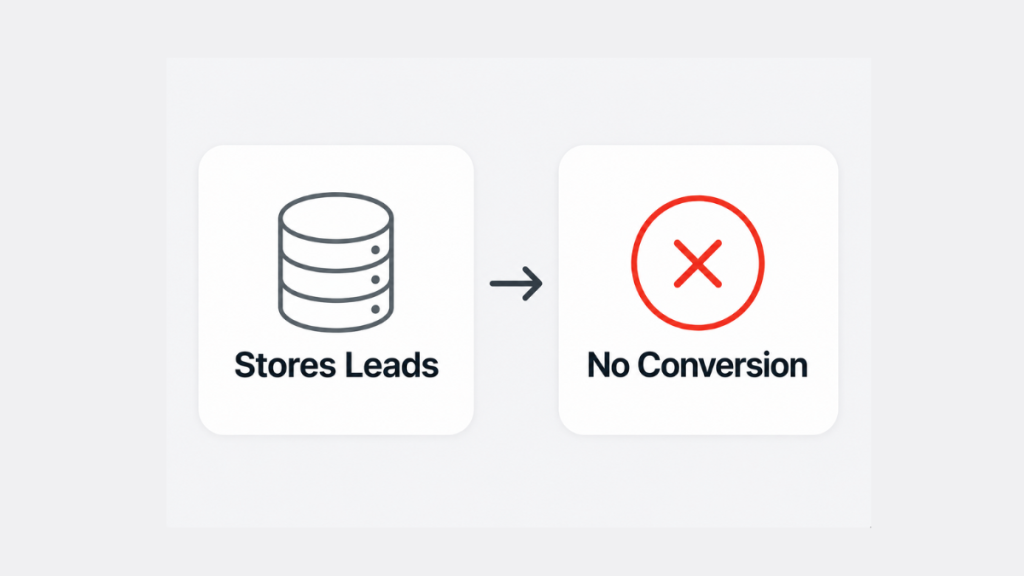
Here’s the uncomfortable truth most CRM vendors don’t tell you: a CRM was designed to store data, not convert it. It tracks who filled in a form, who got an email, who opened what. But it doesn’t move anything forward on its own.
That’s not a flaw — it’s by design. The problem is that most small businesses set up a CRM expecting it to do the converting for them. They add leads in, wait, and wonder why nothing’s happening.
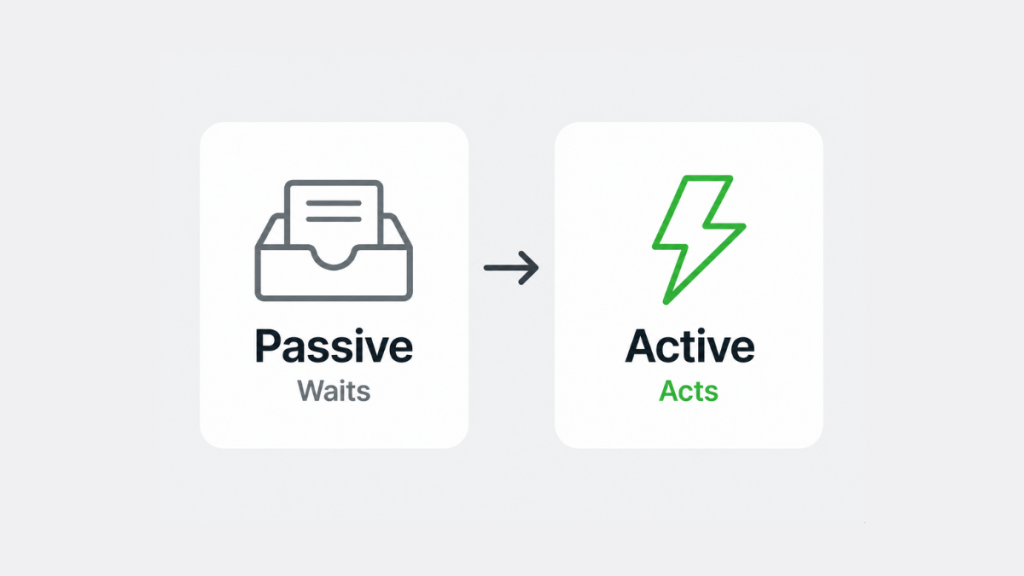
A CRM only converts leads when it’s configured as an active system — one with automation, sequences, pipeline rules, and response triggers all working together. Without that configuration, it’s just a very expensive spreadsheet.
If your CRM automation isn’t set up properly, no amount of lead volume will fix your conversion rate.
5 Reasons Your CRM Isn’t Converting Leads
1. No Automation Behind the Intake
When a lead comes in, what happens next? If the answer is “someone manually checks and responds” — that’s your first problem.
Manual intake is the single biggest conversion killer in small business CRM setups. It depends entirely on a person being available, remembering, and responding fast enough. All three fail constantly.
A properly configured CRM triggers an automated response the moment a lead arrives — regardless of the time, the day, or how busy the team is. No automation behind intake means leads go cold before anyone touches them.
2. Generic Follow-Up Sequences
The second most common failure: the follow-up exists, but it’s doing nothing. A sequence of “just checking in” emails sent to every lead regardless of source, behaviour, or intent is not a follow-up strategy — it’s noise.
Modern buyers ignore generic outreach. They respond to messages that reference what they actually did, what they’re actually looking for, and what problem they’re trying to solve. If your CRM is sending the same three emails to every lead in your pipeline, you’re not nurturing — you’re spamming.
Your lead follow-up system needs to be segmented by source and intent — not blasted to every contact at the same interval.
3. No Pipeline Visibility
If you can’t see exactly where every lead is at every stage of your pipeline, you can’t manage conversions. You can’t see where leads are dropping off. You can’t identify which sources produce the best quality enquiries. You’re optimising blind.
Most small business CRM setups have a pipeline — but it’s either not being used properly, not being updated, or not being reviewed. A pipeline that nobody actively manages is just a list of names.
Visibility is what turns a CRM from a passive record into an active revenue tool. Without it, you’ll keep investing in the same broken process because nothing tells you it’s broken.
4. Response Time Is Still Too Slow
Even with a CRM in place, many businesses are still responding to leads in hours rather than minutes. The CRM logged the lead — but nobody acted on the notification fast enough.
Research from Harvard Business Review shows that the chance of conversion is up to 9x greater when you follow up within five minutes. Yet most businesses with CRMs are still averaging hours. Having the tool doesn’t fix the behaviour unless the tool is configured to automate the initial response — not just notify a human to do it manually.
5. Leads Are Entering From the Wrong Places
Sometimes the CRM isn’t the problem — it’s what’s feeding it. If your lead sources are attracting low-intent traffic (people downloading freebies, browsing comparison content, or clicking out of curiosity), your CRM will be full of contacts who were never going to convert.
A high volume of low-quality leads looks like a conversion problem but is actually a targeting problem. Before blaming the CRM, check: are the leads entering your pipeline genuinely interested in buying, or just interested in the content?
What a Good CRM Conversion Rate Actually Looks Like
Before fixing your CRM, it helps to know what you’re aiming for. Most small businesses assume their conversion rate is low because of lead quality – but the benchmarks tell a different story.
| Business Type | Typical Lead-to-Customer Rate | With Proper CRM Automation |
|---|---|---|
| Plumber / Electrician | 15-25% | 35-50% |
| Salon / Beauty | 20-30% | 40-55% |
| Consultant / Coach | 10-20% | 25-40% |
| Marketing Agency | 5-15% | 20-30% |
What a Properly Configured CRM Actually Does
When it’s set up correctly, a CRM doesn’t wait for humans to act. It acts on their behalf.
Here’s what that looks like in practice:
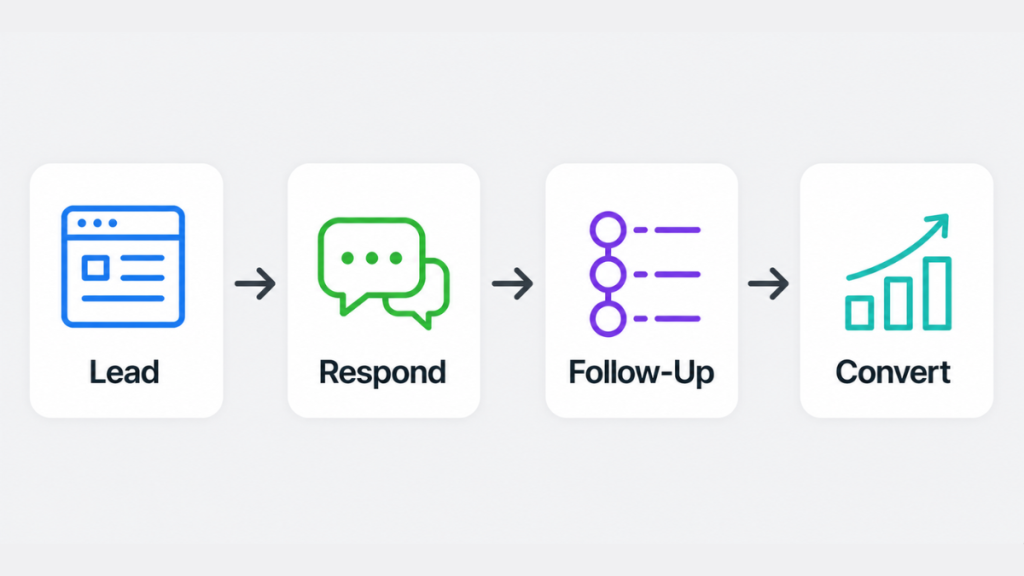
Lead arrives → immediately logged, tagged by source, and routed to the right sequence
Automated response fires → personalised to the lead’s source and enquiry type, sent within seconds
Segmented sequence begins → content and timing tailored to where the lead came from and what they did
Pipeline stage updates automatically → as the lead engages, their stage moves forward without manual input
You get a smart notification → not “you have a new lead” — but “this lead opened your email three times and visited your pricing page”
Conversion tracked end-to-end → you can see exactly which source, which sequence, and which touchpoint closed the deal
This is the difference between a CRM that stores leads and a CRM that converts them. See a full breakdown of what CRM pricing looks like when you’re comparing tools with these capabilities built in.
How to Fix Each Problem
Fix 1 — Automate your intake immediately Every lead source should feed directly into your CRM with an automated response triggered on arrival. No manual steps. No waiting for someone to check their inbox. If your current CRM doesn’t support this natively, you either need to configure it properly or switch to one that does.
Fix 2 — Segment your sequences Build separate follow-up sequences for each lead source. A lead from a paid ad is different from a lead from organic search. A lead who visited your pricing page is different from one who downloaded a guide. Treat them differently and your response rates will improve immediately.
Fix 3 — Review your pipeline weekly Set a non-negotiable pipeline review — 20 minutes, once a week. Look at where leads are stalling. Flag anything that’s been sitting in the same stage for more than 5 days. Act on it or remove it. A pipeline that gets reviewed gets managed.
Fix 4 — Automate the first response, humanise the follow-up The first response should always be automated — speed is everything at that stage. But from touchpoint two onwards, personalisation matters. Use your CRM’s merge fields, lead source data, and engagement tracking to make follow-ups feel like they were written specifically for that person.
Fix 5 — Audit your lead sources Pull a report on your last 90 days of leads. Which sources produced actual customers — not just contacts? Cut or reduce investment in sources that fill your pipeline with noise and double down on the ones producing buyers.
Is Your CRM Working? A Quick Self-Audit
Run through this checklist before deciding whether to fix your current setup or switch platforms entirely.
- Does every new lead receive an automated response within 60 seconds – not a notification to a human, an actual response to the lead?
- Are your follow-up sequences different for leads from different sources?
- Can you see right now, without checking your email, how many open leads you have and what stage each one is at?
- Do your sequences run for at least 5 touchpoints before closing?
- Do you have a closing message that formally ends each sequence?
- Can you pull a report showing which lead source produced the most customers in the last 90 days?
If you answered no to three or more of these, your CRM is functioning as a database – not a conversion system. The fix is configuration, not a new tool.
Which CRM Actually Has This Built In?
Most CRMs require significant configuration — and in some cases third-party tools — to do all of the above. GoHighLevel is built differently. It combines pipeline management, automated follow-up, lead source tracking, and smart notifications in a single platform designed specifically for small businesses and service providers.
It’s the only platform we’ve tested that handles all five failure points out of the box — without needing a developer or a stack of integrations. See the full GoHighLevel pricing breakdown to understand what it costs and what it replaces.
If you’re currently on HubSpot and wondering whether GoHighLevel is worth switching, our GoHighLevel vs HubSpot comparison covers exactly that.
Not sure if GoHighLevel is the right fix for your setup? Try it free for 14 days and see how it performs on your actual leads.
GoHighLevel vs HubSpot vs Pipedrive – Which Fixes These Problems?
| Failure Point | GoHighLevel | HubSpot | Pipedrive | ActiveCampaign |
|---|---|---|---|---|
| Automated intake response | ✅ Native | ⚠️ Paid only | ❌ Needs integration | ✅ Email only |
| Segmented sequences | ✅ Native | ⚠️ Paid only | ❌ Limited | ✅ Strong |
| Pipeline visibility | ✅ Native | ✅ Strong | ✅ Strong | ⚠️ Basic |
| SMS automation | ✅ Native | ❌ Not included | ❌ Not included | ❌ Not included |
| Missed call text-back | ✅ Native | ❌ | ❌ | ❌ |
| UK phone number | ✅ Native | ❌ | ❌ | ❌ |
| Starting cost | $97/month | Free / £780+ | From £14/user | From $15 |
GoHighLevel is the only platform that handles all five failure points natively without additional tools or integrations. HubSpot is strong on pipeline visibility but automation depth requires the Professional tier at £780/month. Pipedrive is excellent for pipeline management but relies on manual follow-up or third-party SMS tools. ActiveCampaign leads on email automation but has no SMS or phone capability.
For UK service businesses where missed calls and instant SMS response are the highest-converting automations, GoHighLevel is the only platform in this table that covers the complete workflow out of the box. See our Pipedrive Pricing UK guide if Pipedrive is on your shortlist.
Summary
A CRM not converting leads is almost never a lead quality problem. It’s a configuration problem. The tool is there — but the automation isn’t running, the sequences are generic, the pipeline isn’t being managed, and the response time is still too slow.
Fix those five things and your conversion rate will move — from the same leads, the same traffic, the same budget. The goal isn’t more leads. It’s a system that actually does something with the ones you already have.
See our full best CRM for small business breakdown to compare which platforms handle these problems best.
Find the Right CRM for Your Business →
FAQs
Why is my CRM not converting leads even though I have automation set up? The most common reason a CRM not converting leads persists even with automation is that the sequences are too generic. Automation that sends the same message to every lead regardless of source or behaviour won’t convert — it’ll just automate the noise. Audit your sequences and segment them by lead source and intent.
How long should a CRM follow-up sequence run? Most small businesses give up too early. A well-configured sequence should run for at least 21 days with 6–8 touchpoints across email, SMS, and where relevant, phone. The majority of conversions happen after the third touchpoint — stopping at one or two means you’re walking away from most of your potential revenue.
Does switching CRM platforms fix low conversion rates? Sometimes — but usually not on its own. If your current CRM has the capability to automate intake, segment sequences, and track pipeline properly, switching won’t fix a configuration problem. Audit your setup first. If the tool genuinely can’t do what you need, then switching makes sense.
What’s the fastest fix for a CRM that isn’t converting? Automate your intake response. It’s the single highest-impact change you can make and it can be implemented in hours. Every lead should receive a personalised automated response within seconds of arriving — not when someone remembers to check their inbox.
Is GoHighLevel better than HubSpot for small business lead conversion? For small businesses specifically, GoHighLevel is built around the conversion workflow — automation, follow-up sequences, pipeline management, and lead tracking are all native features, not add-ons. HubSpot’s free tier lacks the automation depth needed for consistent conversion. See our GoHighLevel vs HubSpot comparison for a full breakdown.
Suggested Reads
Why Businesses Lose Leads → The root cause of lead loss before conversion even starts
Automatic Lead Follow-Up System → The complete system for capturing and converting leads automatically
CRM Automation Software → How automation removes the manual work from lead management
GoHighLevel Pricing (2026) → Real cost breakdown including what it replaces
Best CRM for Small Business UK → Full platform comparison for small businesses